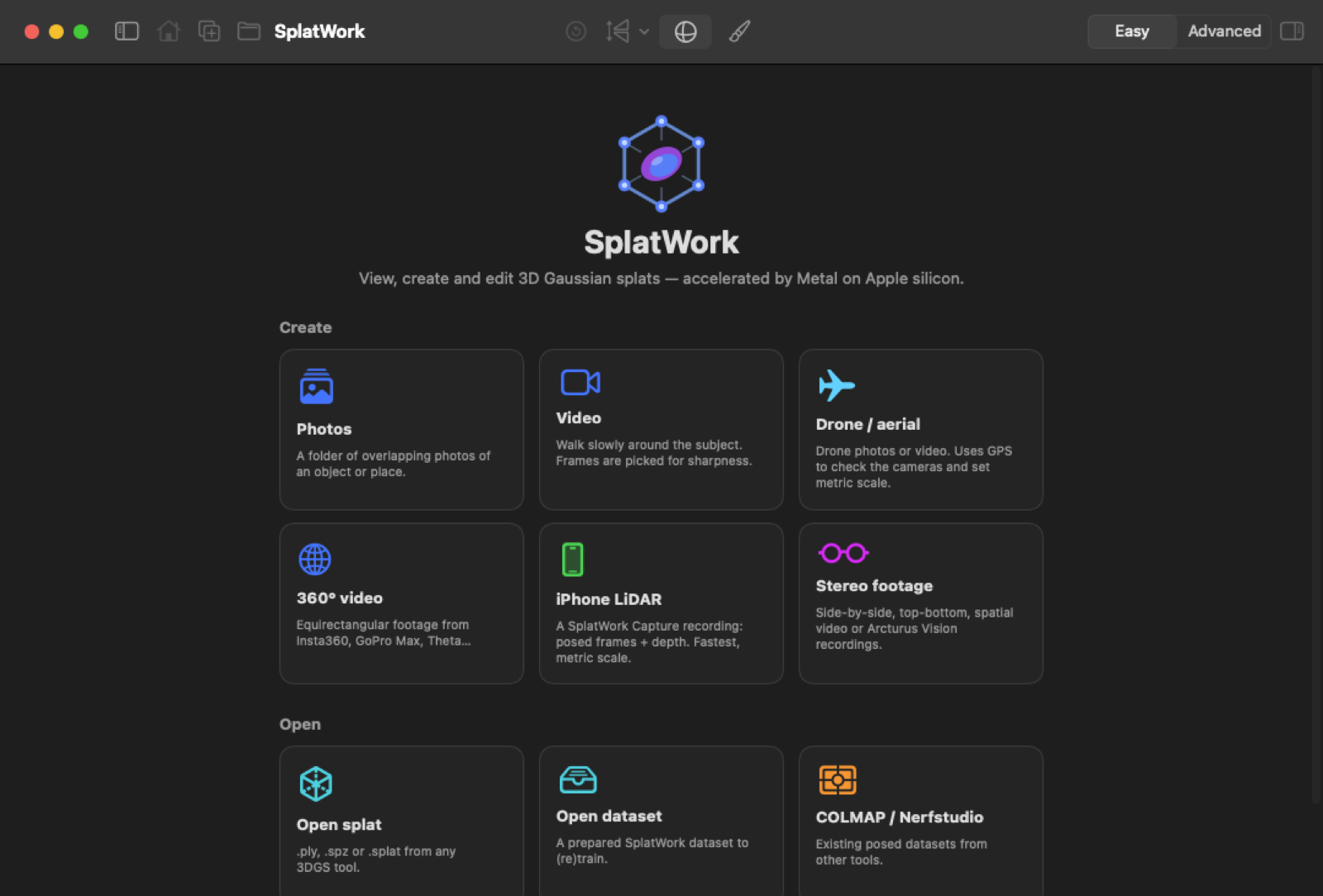
Capture on an iPhone, prepare and view on a Mac, and train on whichever of your computers are free. Big scenes split into blocks that train on several machines at once. No cloud, no uploads to anyone else.
Mac with Apple silicon, macOS 15+ · Linux or Windows with an NVIDIA GPU · iPhone with iOS 18+

Four apps that find each other on your network and share the work. Use one, or all of them.
The main app. Turns any footage into a splat with a native Metal trainer, then views, cleans up and exports it. Coordinates every other device.
Mac · Apple siliconA CUDA worker built on gsplat that trains and processes for your Macs, and a full desktop studio of its own on the PC.
Linux (Flatpak) or Windows 10/11 · NVIDIA GPURecords ARKit-posed frames with LiDAR depth: metric scale, no camera solving. Makes splats of its own scans on the phone, or sends them on.
iPhone · iOS 18+The processing toolkit inside the apps: learned feature matching, COLMAP / GLOMAP camera solving, SAM 2 masks, video splitting.
Mac or Linux · PythonA guided flow with presets in Easy mode, and every parameter (each with a built-in explanation) in Advanced.
The things that usually go wrong with splats — floaters, haze, moving people, crashes halfway through a long run — handled by default.
Photo folders, video, 360° video and photos, side-by-side and spatial stereo with metric scale, LiDAR scans, COLMAP and Nerfstudio.
Apple Object Capture built in, or COLMAP / GLOMAP with SuperPoint, DISK or ALIKED + LightGlue. Fisheye lenses, drone GPS checks, phone poses refined.
Masks from Apple Vision or open-vocabulary detection with SAM 2 tracking, a click-to-mask editor, and a learned skybox instead of haze.
A differentiable Metal rasterizer with analytic gradients, 3DGS-MCMC densification, anti-aliasing, depth and flat-surface supervision.
Large scenes split into spatial blocks shared by speed and memory, trained at once and merged. Pause, resume, retry a block anywhere.
Every processing stage is checkpointed, training saves checkpoints and finished blocks, and worker jobs carry on while the Mac sleeps.
They find each other with Bonjour and talk over a small, documented HTTP API with optional access tokens. Everything stays on your network.
The Mac, Linux and Windows apps update themselves. Release notes are in the changelog.
Everything is documented, from capture tips to the network protocol.